
Comparisons
Which spec tool fits your team?
Spec Kit, BMAD, OpenSpec and GSD Core give your coding agent a process inside the repo. Speclr starts one step earlier: it interviews the people who know the domain and works the spec out with them.
All comparisons
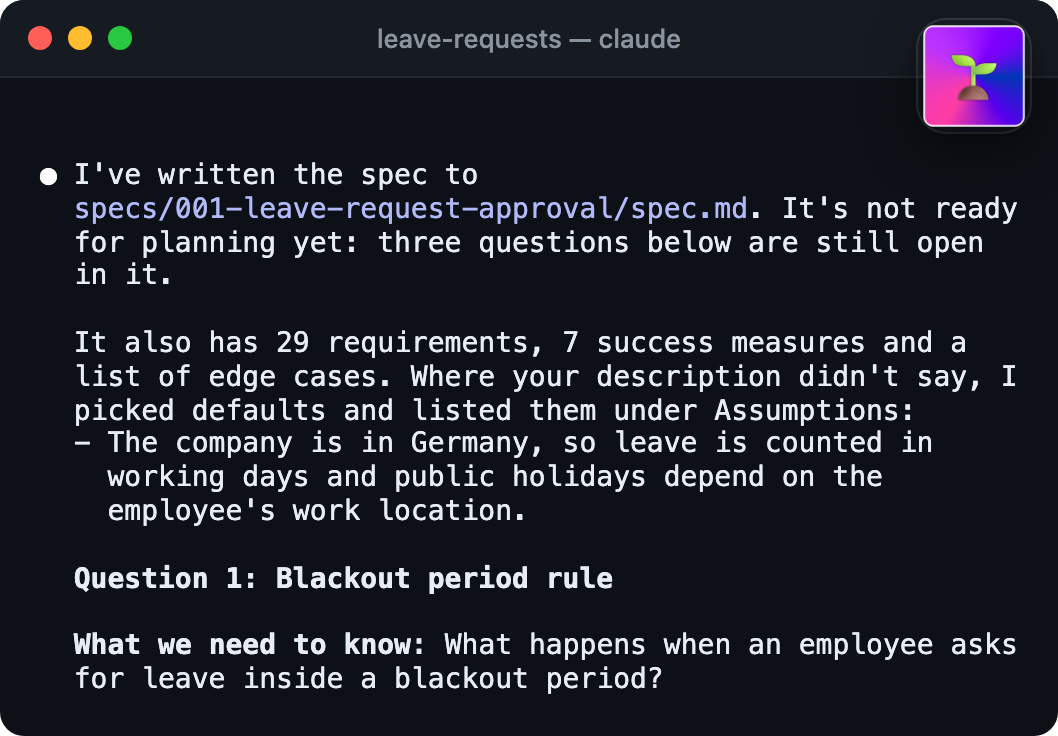
A command flow for your coding agent
Speclr vs Spec Kit
Spec Kit gives your coding agent a fixed command flow in your repo. Speclr gets your whole team to a spec worth building from, before the agent starts.
Open source, in your repo5 min read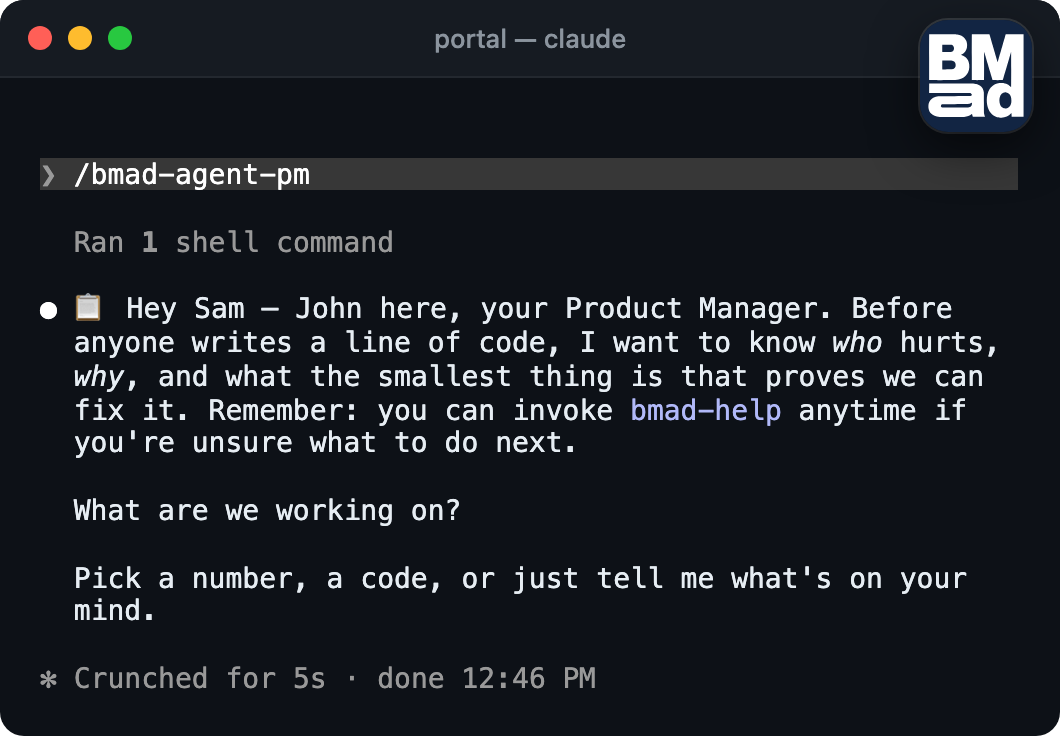
Agent roles and sized planning
Speclr vs BMAD Method
BMAD gives your coding agent product, architecture and dev roles, with every decision as markdown in the repo. Speclr puts the people who hold those roles into the conversation.
Open source, in your repo5 min read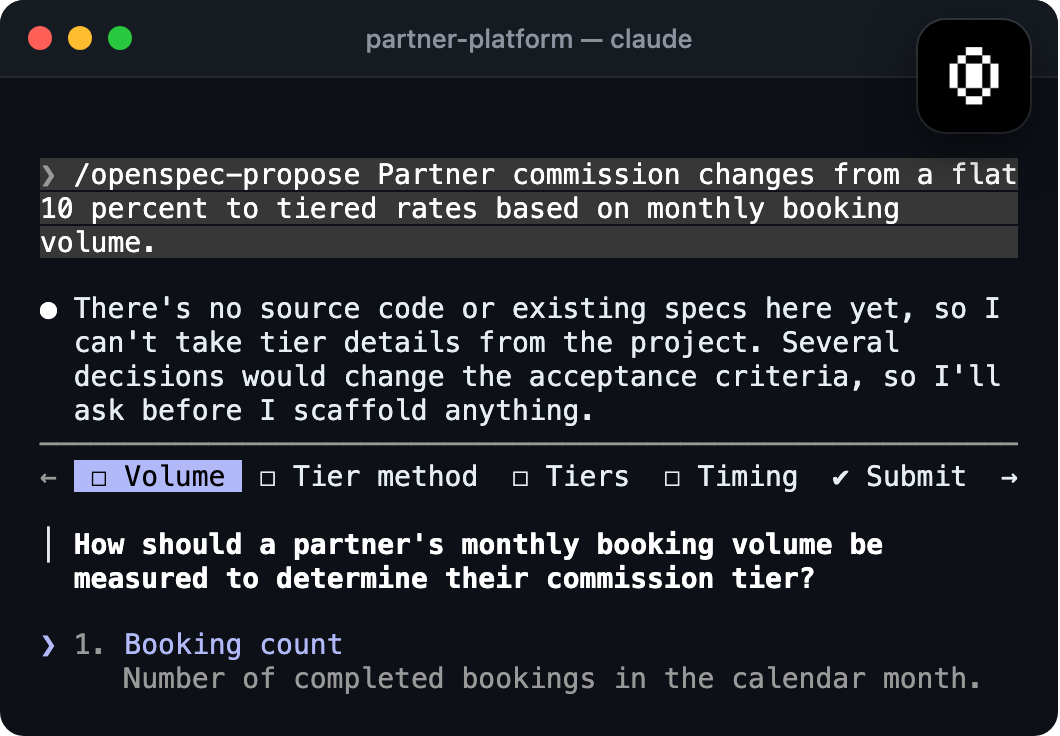
A spec layer for your coding agent
Speclr vs OpenSpec
OpenSpec adds a lightweight spec layer to your coding agent, with change proposals in your repo. Speclr gets your whole team to the spec before the agent starts.
Open source, in your repo5 min read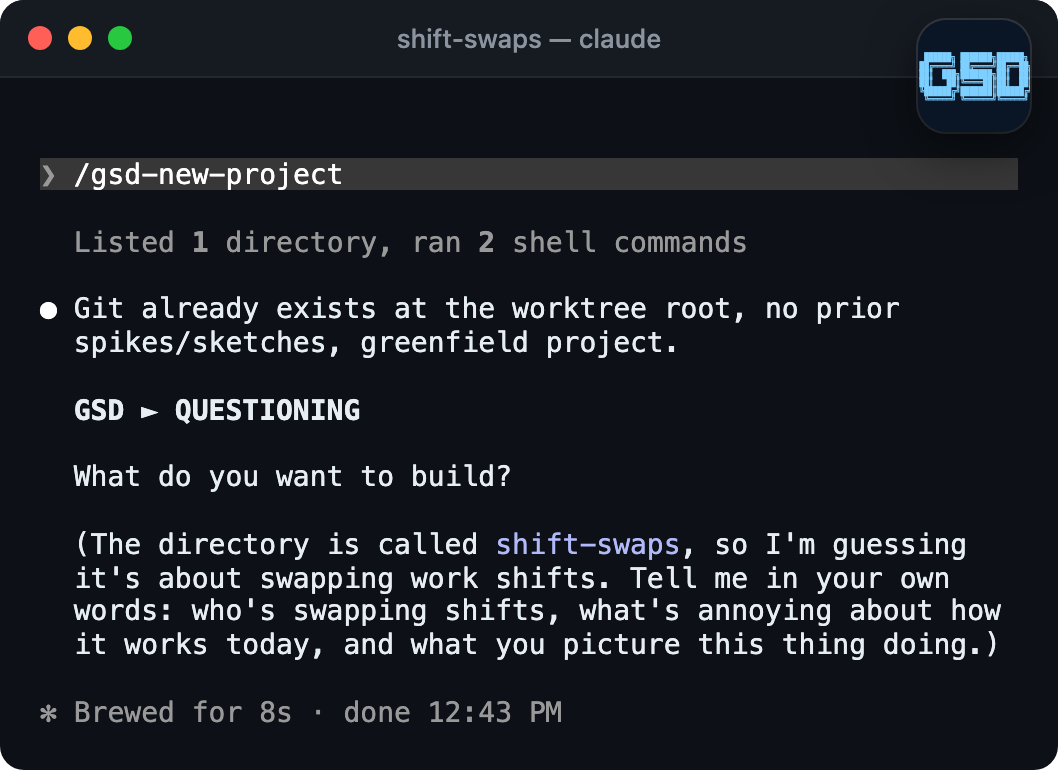
A build loop for your coding agent
Speclr vs GSD Core
GSD Core drives your coding agent through a discuss, plan, execute, verify and ship loop. Speclr gets your whole team to the spec before that loop starts.
Open source, in your repo5 min read
We compare against each tool’s own documentation and note when we last checked it. Found something out of date? Tell us at contact@speclr.dev and we will fix it.